
White-label app
Your festival’s own app, under your name, with no sign-up
A native app for iPhone and Android with your festival’s name, logo and colours. Your audience installs it and they’re in: no forms, no password and no email address.
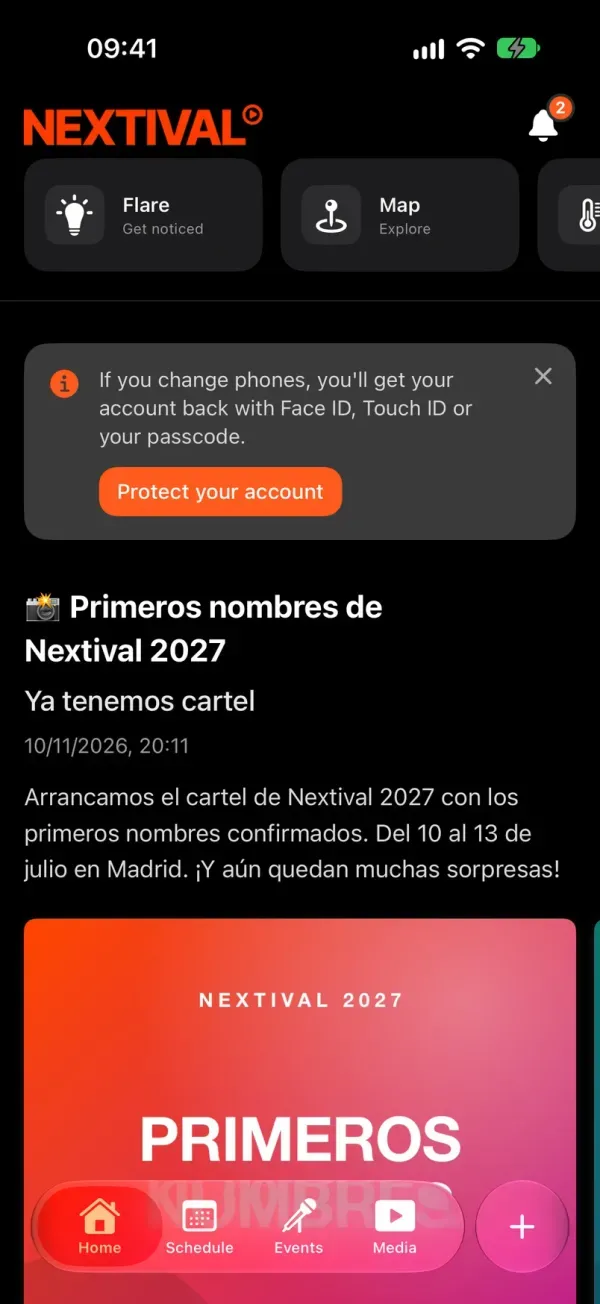
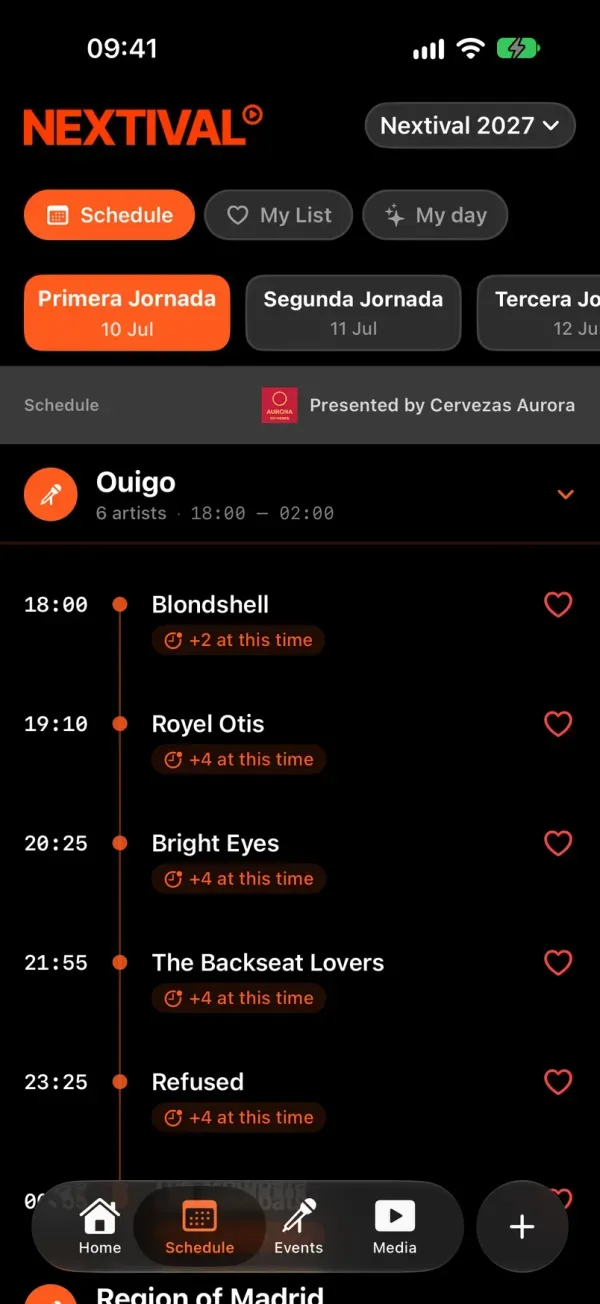
An app that asks for too much before showing anything stays closed
The sign-up that scares people off.
A form before the schedule is a reason to close the app and go back to a screenshot of the poster.
A different tool for every job.
Tickets in one place, the balance in another, the schedule in a PDF. Your audience gets lost and your brand gets diluted.
Your festival inside someone else’s app.
In a generic app you are just another listing, next to every other festival and under someone else’s brand.
How does it work?
Install it and you’re in.
The first time it opens, the app creates an anonymous account on the phone and loads your festival’s current edition. It only asks one thing: whether to send notifications.
Get started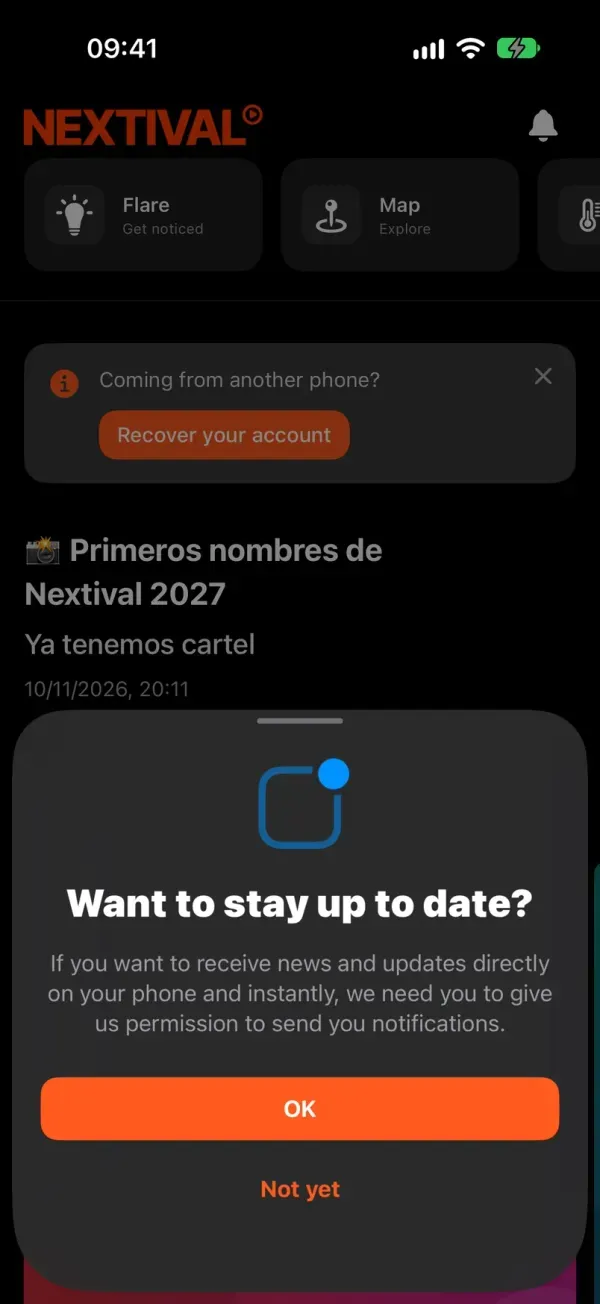
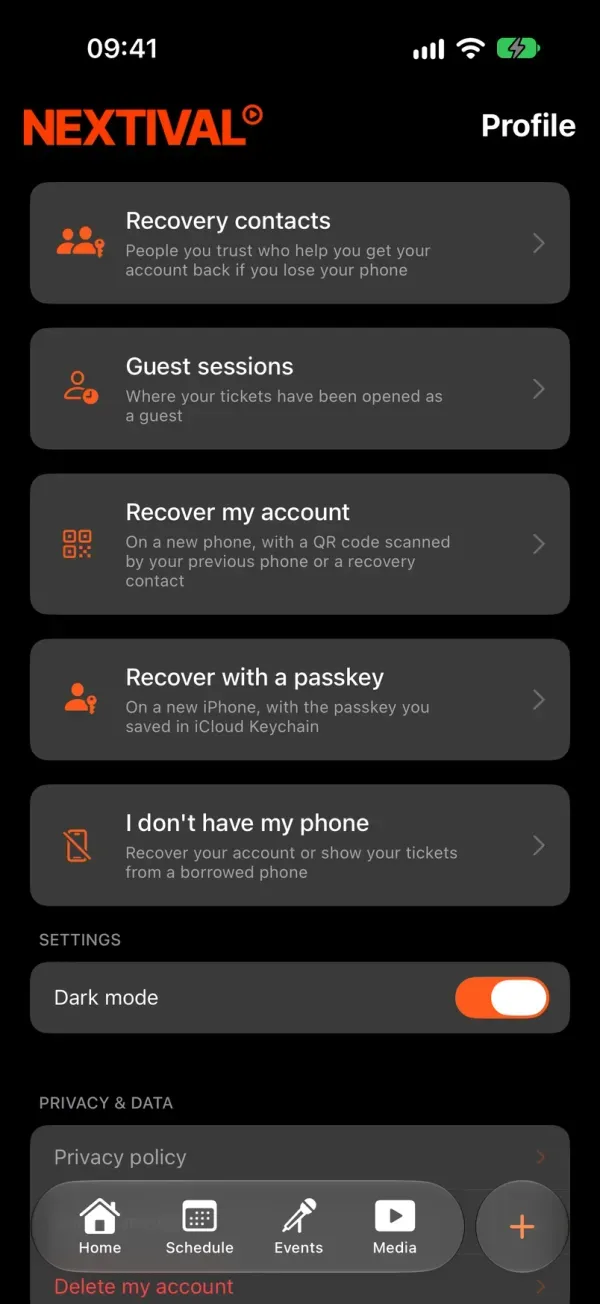
You fill it from the CMS.
Your logo in light and dark versions, posts, the line-up, the map and tickets. What you publish in the CMS shows up in the app without anyone downloading anything new.
I want to try it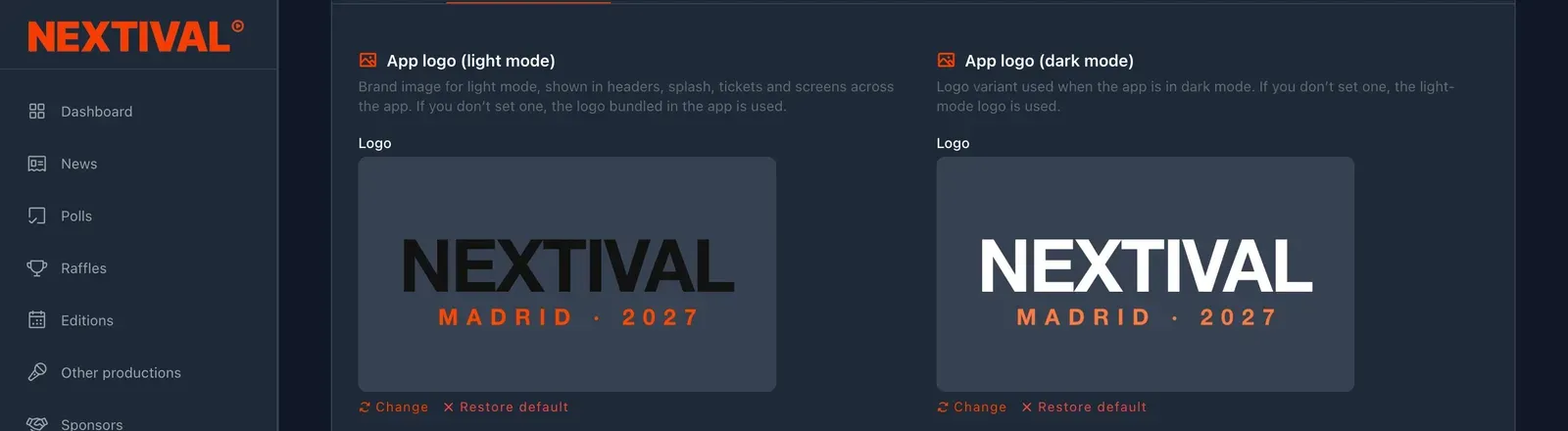
Your audience uses it before, during and after.
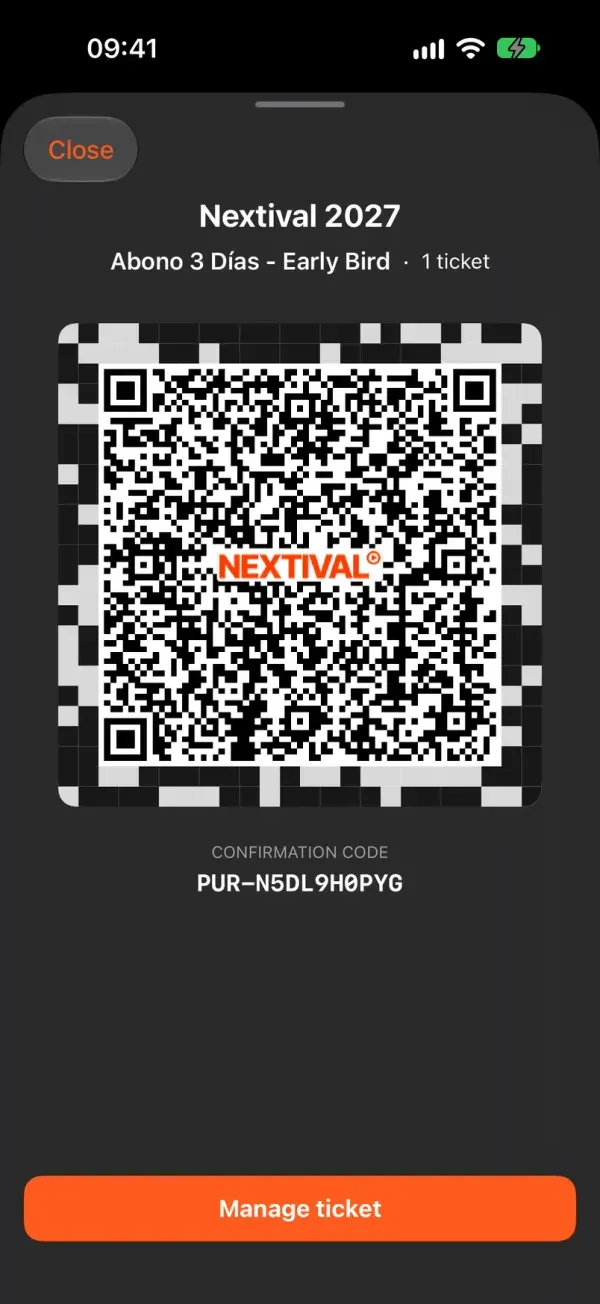
The wall with your news, the schedule with their plan for the day, their tickets with a QR code and the gigs playing right now, even with the phone locked.
Get started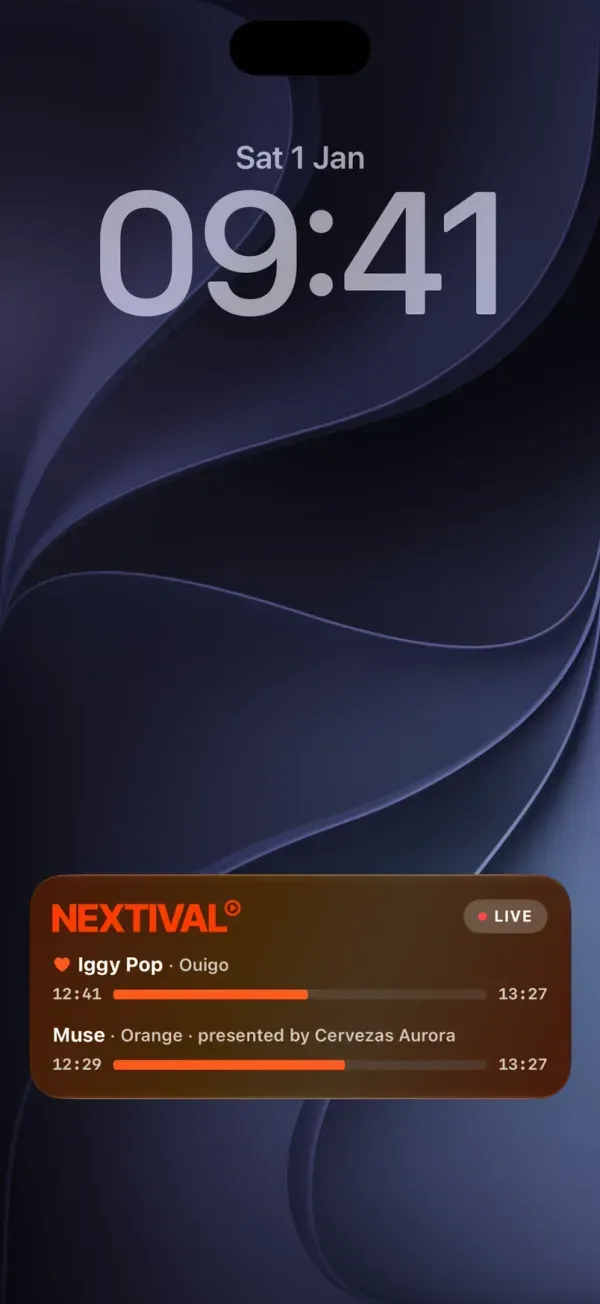
No email, no name and no password: every attendee’s account is anonymous and moves to a new phone with a passkey or with a recovery contact.
Capabilities
Native on iOS and Android
One app for iPhone and one for Android, on the App Store and Google Play under your festival’s name.
Your brand
Your logo in the header, on launch and on tickets, in light and dark versions. The Nextival team sets up the colours.
Only the modules you have
Each module is a tab or a widget on the app’s Home tab. Nextival switches on your festival’s modules and the app picks them up without a new release.
Anonymous account, no sign-up
No email, name or phone number. If an attendee changes phones, they get their account back with a passkey or a recovery contact.
The essentials, even offline
With no signal, the schedule and saved tickets are still there, and the ticket QR code works at the gate.
Live on the lock screen
On iPhone, what’s playing now shows on the lock screen and in the Dynamic Island; on Android, in an ongoing notification.
Frequently asked questions
No. The app creates an anonymous account on the phone by itself. It doesn’t ask for an email, name, phone number or password, or for a festival or edition to be chosen.
They get their account back with a passkey or with help from a recovery contact. On Android, Google’s backup usually brings it back on its own. And if they have neither, your team can help them from the CMS.
No. The Nextival team sets up the colours, the tabs and their order. From the CMS you change the logo, in light and dark versions, and all the content.
No. Nextival switches it on and the app picks it up the next time it opens, without going through the app stores.
Your festival on your audience’s phone, under your name
Managed from the CMS, live in your white-label app
Every Nextival module is set up in the same dashboard and shows up in the same app. Nextival switches on the ones your festival needs.
More modules
Related guides