
Festival CMS
Your whole festival, from one dashboard
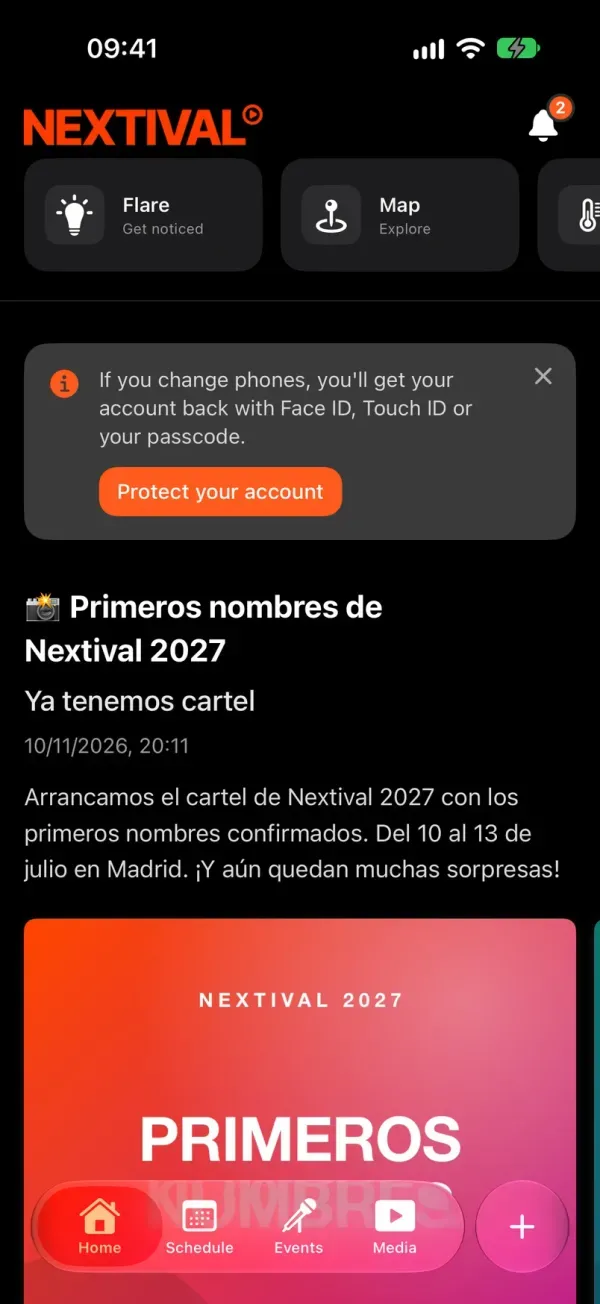
The CMS is the private website where your team prepares the festival: the line-up, the map, posts, ticket sales and cashless. What you publish shows up in your festival’s app.
When everything lives in a different tool, nobody knows which one is right
The schedule in three places.
The website, social media and the PDF all show different times, and your audience trusts the wrong one.
Every change waits for someone.
Moving a gig or announcing a change to the gates shouldn’t depend on someone else releasing a new version.
The numbers are somewhere else.
Sales on one platform, the bars on another, and the full picture of the festival nowhere at all.
How does it work?
Prepare.
Editions, festival days, stages and artists; points on the map; posts with photos, a poll or a prize draw. Each of your festival’s modules has its own section in the menu.
Get started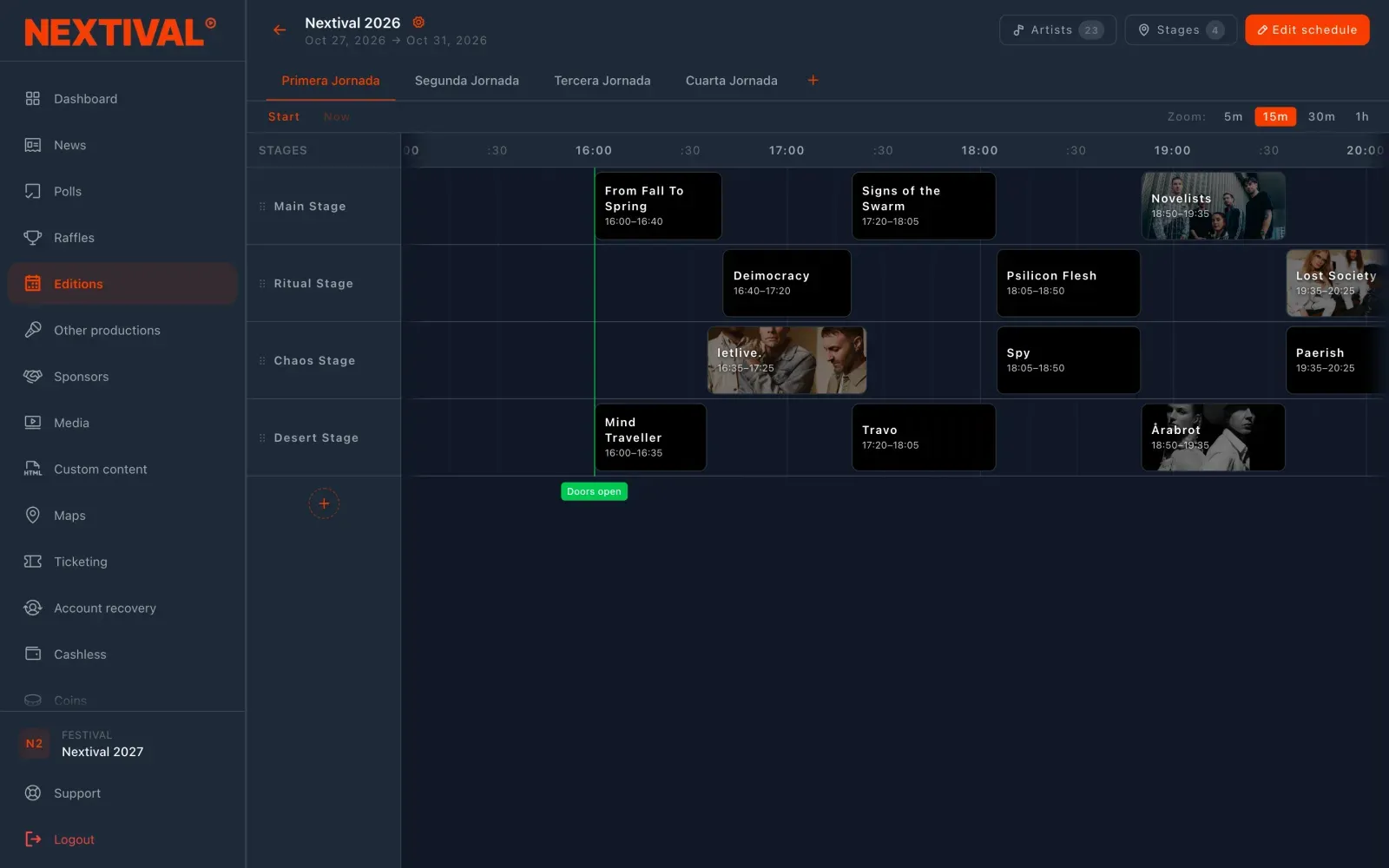
Publish.
Right away or scheduled for later, with a push notification if you like. The schedule doesn’t even need publishing: the app shows whatever is saved.
I want to try it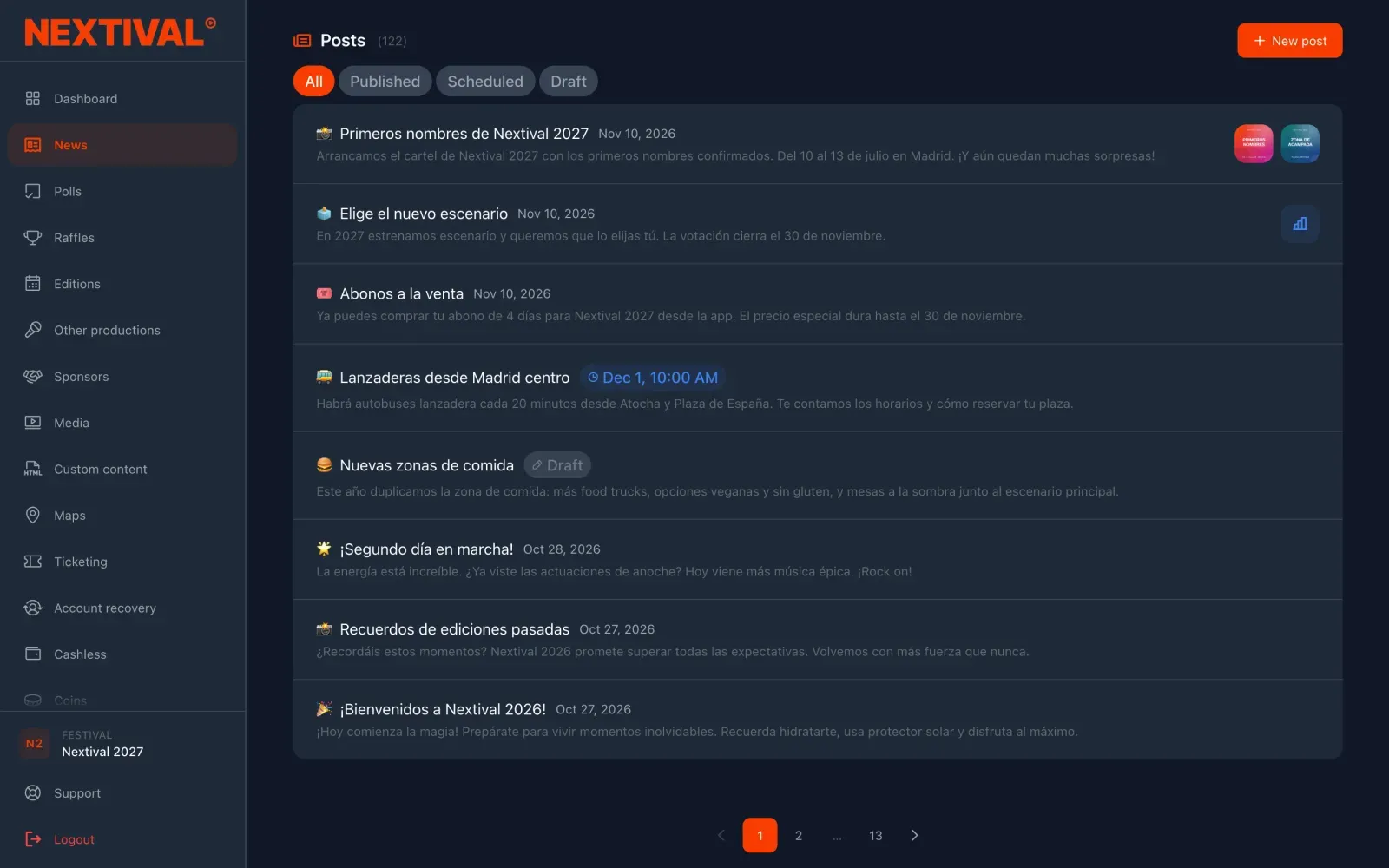
Keep track.
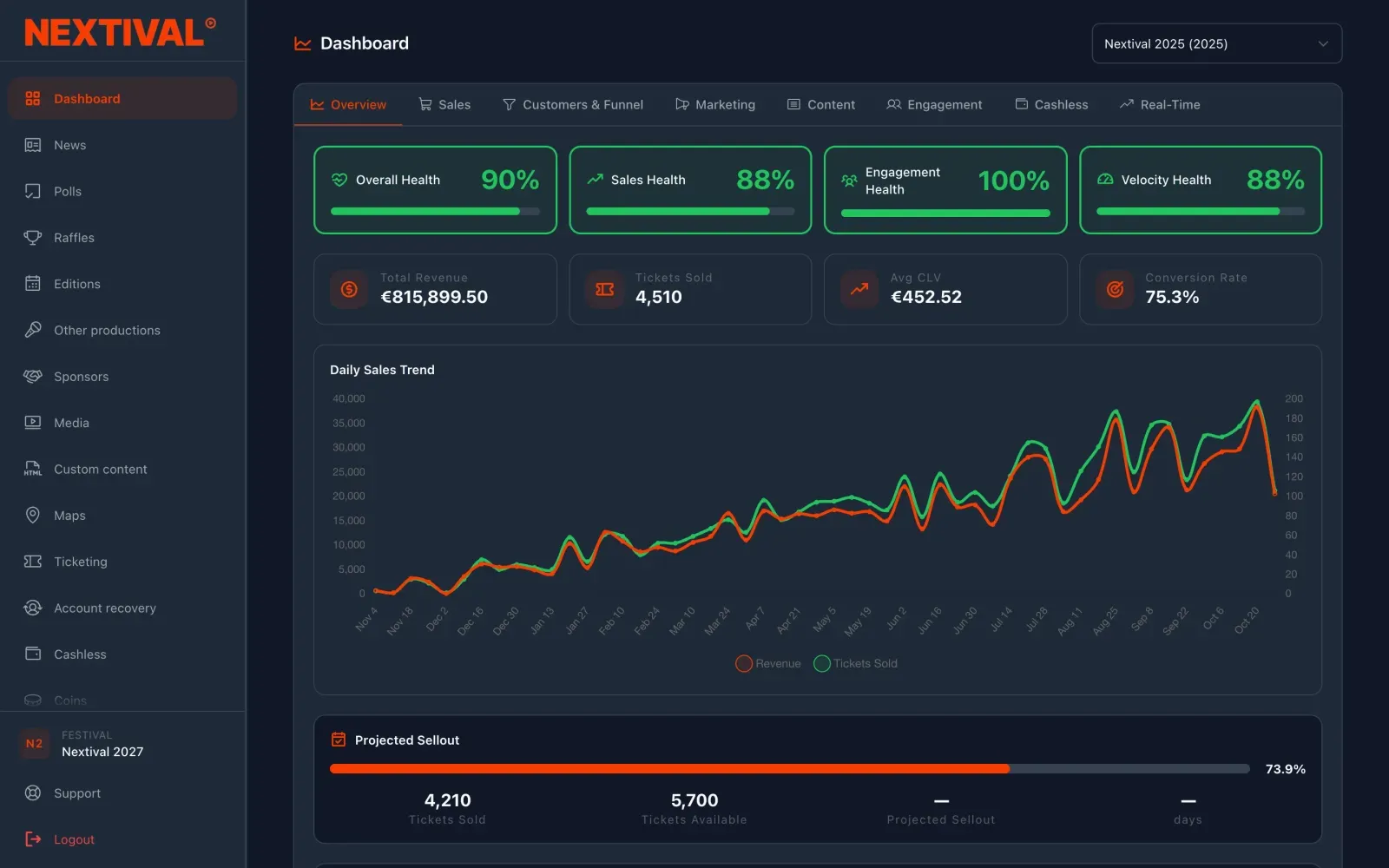
The Dashboard brings together sales, audience, in-app activity and cashless for each edition. It’s read-only, so nothing gets changed by mistake.
Get started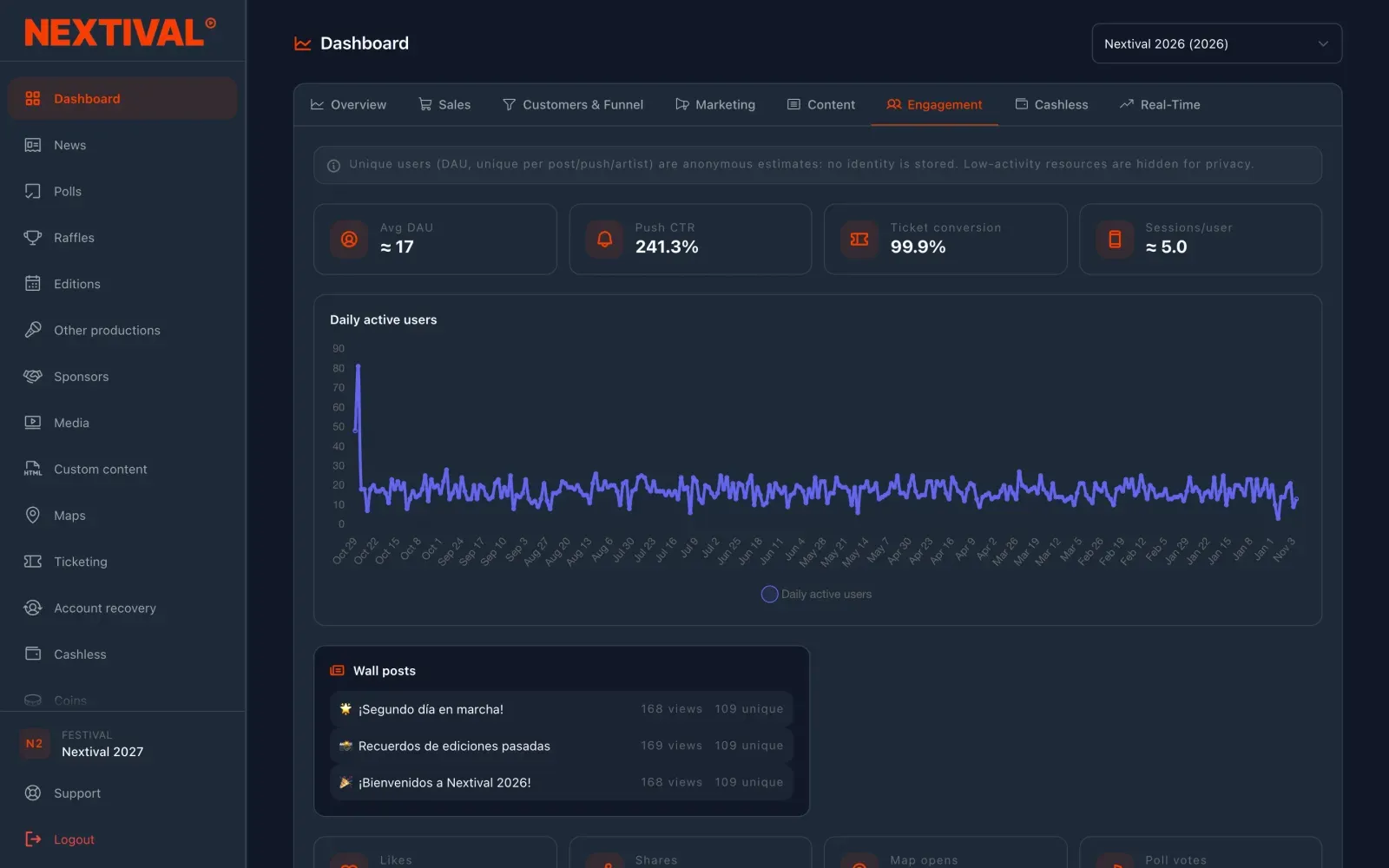
What you save in the CMS reaches your festival’s app without a new release on the app stores.
Capabilities
Editions, line-up and schedule
Festival days, stages and gigs on a drag-and-drop grid. Artists are looked up on MusicBrainz and stay in your catalogue.
Posts with notifications
With up to four photos, or with a poll or a prize draw inside, and a push notification to your attendees if you like.
Tickets and cashless
Ticket types, anti-touting rules, refunds and access control; wristbands, bars and a daily cash-up.
Dashboard
Sales, funnel, marketing, content, engagement and cashless for each edition, in tabs.
Two-step verification
Required on every account, with recovery codes and trusted computers.
Several festivals, one account
If you work with more than one, you switch festival from the menu and nothing gets mixed up.
Frequently asked questions
Those for the modules your festival has, which the Nextival team switches on. Dashboard, Sponsors, Settings and Support are always there.
The Nextival team. If someone else on your team needs access, just ask your account manager.
No. Every account on a festival can do the same things, and all of them sign in with two-step verification.
Spanish and English. It also has light and dark modes.
Prepare it once and reach your whole audience
Managed from the CMS, live in your white-label app
Every Nextival module is set up in the same dashboard and shows up in the same app. Nextival switches on the ones your festival needs.
More modules
Related guides